
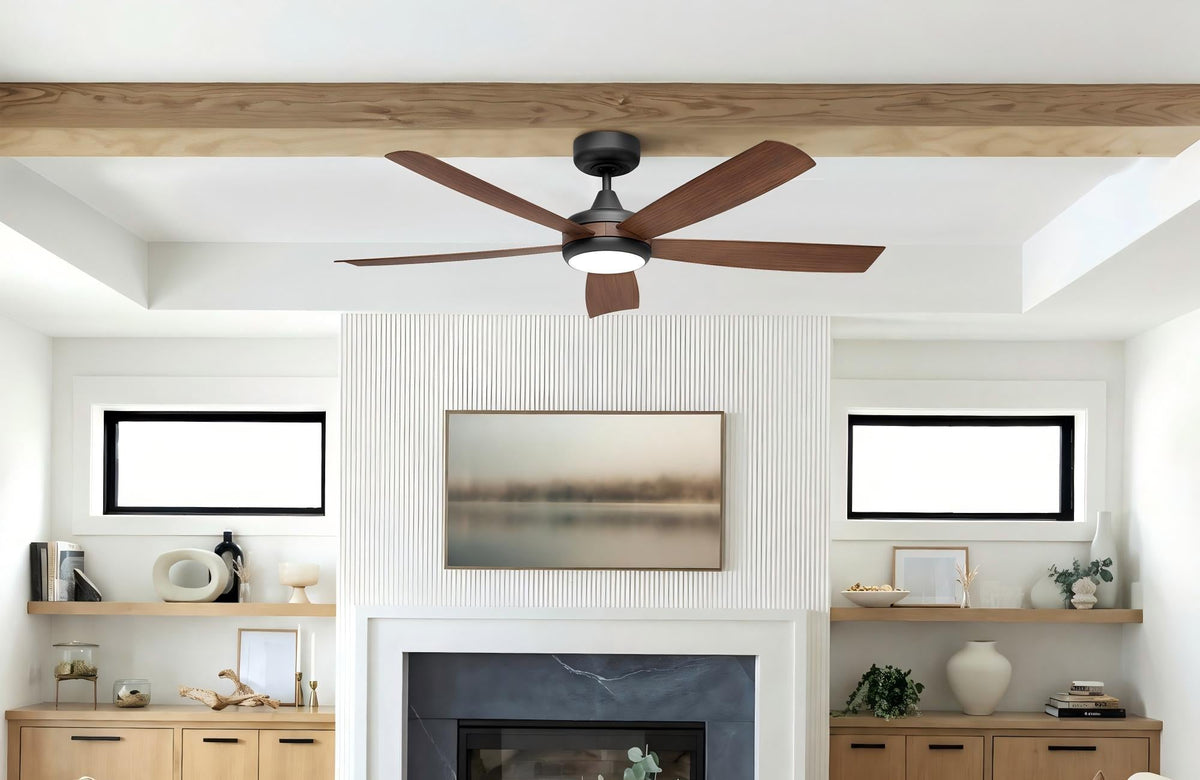
Few things disrupt the peace of your home quite like a noisy or wobbly ceiling fan. While your ceiling fan is a fantastic asset for comfort and energy efficiency, over time, issues like rattling, humming, or noticeable wobbling can emerge. Before you consider a costly replacement or call an electrician, many common ceiling fan problems can be surprisingly simple for a US homeowner to diagnose and fix with a few basic tools and a bit of patience.
This guide will walk you through the most frequent causes of ceiling fan noise and wobbling, providing clear, step-by-step troubleshooting and repair tips. Our goal is to help you restore your fan to quiet, stable operation, or help you determine when it might be time for an upgrade.
Safety First: Always Turn Off Power!
Before attempting any inspection or repair, always turn off the power to your ceiling fan at the circuit breaker. This is crucial for your safety.
Part 1: Tackling the Wobble – Restoring Stability
A wobbly ceiling fan isn't just annoying; it can be a sign of deeper issues and even pose a safety risk. Here’s how to address it:
-
Check All Screws
Blade Screws: The most common culprit! Over time, the screws attaching the fan blades to the blade irons (or brackets) and the blade irons to the motor housing can loosen. Get on a sturdy ladder and use a Phillips head screwdriver to tighten every screw on all the fan blades and where the blade holders attach to the motor. Do not overtighten, but ensure they are snug.
Motor Housing Screws: Some fans have screws that secure the motor housing to the mounting bracket. Check and tighten these as well.
Downrod Screws/Pins: If your fan has a downrod, ensure the set screws holding the downrod in place and any locking pins are securely fastened.
-
Inspect for Warped or Damaged Blades
Carefully examine each fan blade. Warped, bent, or cracked blades can throw the fan off balance. Hold each blade level with the others to check for consistent alignment.
If a blade is significantly damaged, it's often best to replace it. While we don't carry individual blades for all models, sometimes a new fan is a more cost-effective solution than trying to find a perfect match.
-
Clean Accumulation
Dust, dirt, or debris can accumulate unevenly on blades, adding weight and causing imbalance. Wipe down your fan blades thoroughly with a damp cloth.
-
Balance the Blades with a Ceiling Fan Balance Kit
If tightening screws and cleaning don't solve the wobble, your fan blades might be inherently unbalanced in weight. A ceiling fan balance kit (available at most hardware stores and often included with new fans) can fix this.
How to Use a Balance Kit: The kit typically includes small weights and a clip. You temporarily clip the weight to the trailing edge of each blade, one at a time, moving it along the blade until the wobble is minimized. Once you find the sweet spot, remove the clip and use the adhesive weight to permanently attach it to the top of that blade. Repeat if necessary.
-
Check the Mounting Bracket/Junction Box
Ensure the fan's mounting bracket is securely fastened to a fan-rated electrical box in the ceiling. If the box itself is loose or not properly secured to a joist, the entire fan will wobble. This is a more advanced fix, potentially requiring reinforcement of the junction box attachment.
Part 2: Quieting the Noise – Eliminating Annoying Sounds
Different noises indicate different problems. Here’s how to silence your fan:
-
Clicking or Ticking Sounds
Loose Screws: As with wobbling, loose screws (especially on the blades or light kit) are a common cause. Tighten everything.
Blade Rubbing: Check if any blade is hitting the fan's light kit, motor housing, or ceiling. Gently bend blade irons back into place if needed (only if they are slightly misaligned and not warped).
Decorative Covers: Ensure all decorative covers or glass shades on the light kit are securely fastened and not vibrating against each other or the fan.
Wiring: Make sure no wires are pressing against the fan motor or canopy. Gently tuck them away inside the electrical box.
-
Humming or Buzzing
Dimmer Switches: Standard dimmer switches are usually not compatible with ceiling fans and can cause a distinct hum. Always use a fan-specific control or a light-only dimmer for the light kit.
Loose Connections: Turn off power and check all wire nut connections inside the canopy for tightness.
Motor Issues: If the hum is coming directly from the motor and persists after checking connections, the motor's bearings might be worn, or it could be an internal electrical issue. This often points towards a need for replacement.
-
Grinding or Scraping Sounds
Motor Bearings: This is often the most serious noise, indicating worn-out motor bearings. If your fan has accessible oil ports (older models), you might try applying a few drops of bearing lubricating oil specifically designed for fans. However, many modern fans have sealed bearings that cannot be lubricated, meaning a grinding noise usually indicates the fan motor is at the end of its life.
When to Consider a New Ceiling Fan
While many issues are fixable, sometimes a fan has simply reached the end of its lifespan, especially if:
The motor is making persistent grinding noises, and lubrication isn't possible or effective.
The fan is very old, inefficient, or lacks modern safety features.
The cost and effort of troubleshooting exceed the benefit, or you're looking for an aesthetic upgrade.
The fan repeatedly wobbles or makes noise despite all repair attempts.
If you find yourself in this situation, consider upgrading to one of our quiet, energy-efficient new ceiling fans. Many feature advanced DC motors designed for whisper-quiet operation and come with comprehensive balancing kits, ensuring a smooth, silent experience from day one.
Conclusion
Don't let a noisy or wobbly ceiling fan diminish your home's comfort. By following these quick troubleshooting steps, most US homeowners can successfully diagnose and often fix these common issues themselves. We encourage you to try these simple repairs first. If you need a ceiling fan balance kit or decide it's time for an upgrade, explore our wide selection of high-quality, quiet, and stable ceiling fans and essential maintenance tools to keep your home comfortable and serene.


Leave a comment
This site is protected by hCaptcha and the hCaptcha Privacy Policy and Terms of Service apply.